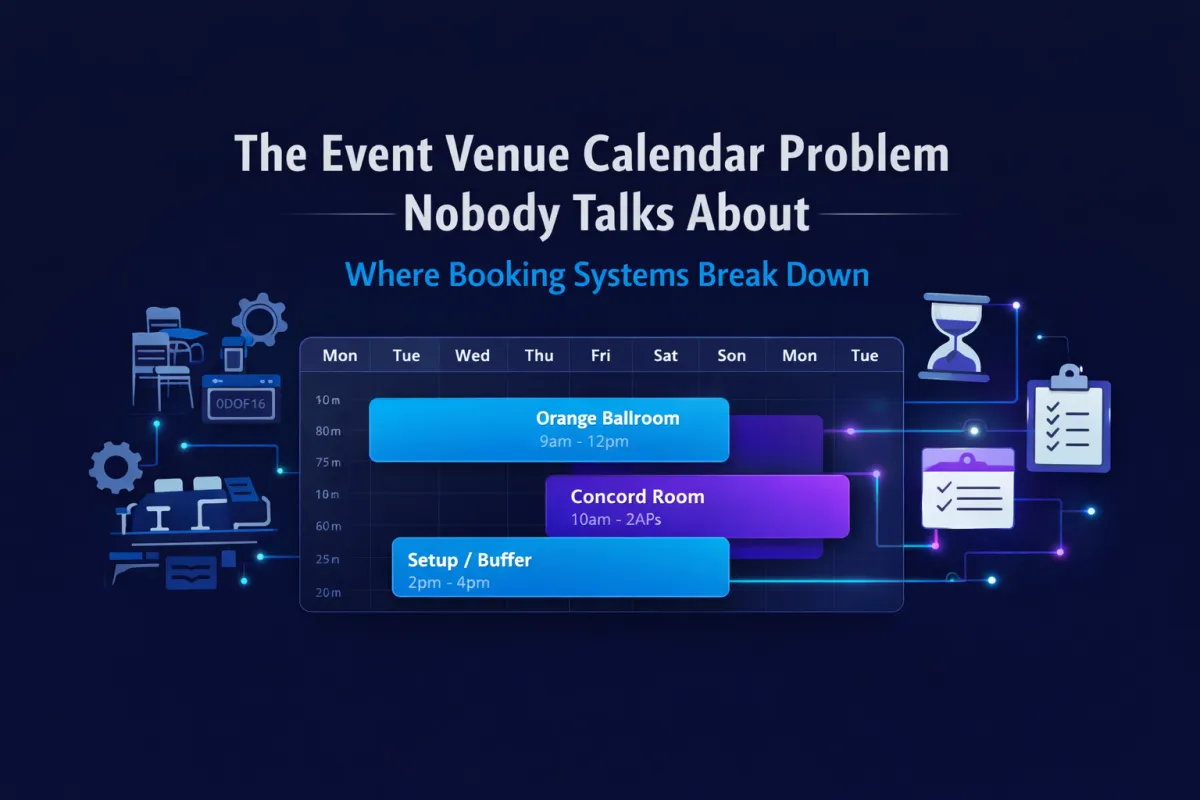
The Event Venue Calendar Problem Nobody Talks About
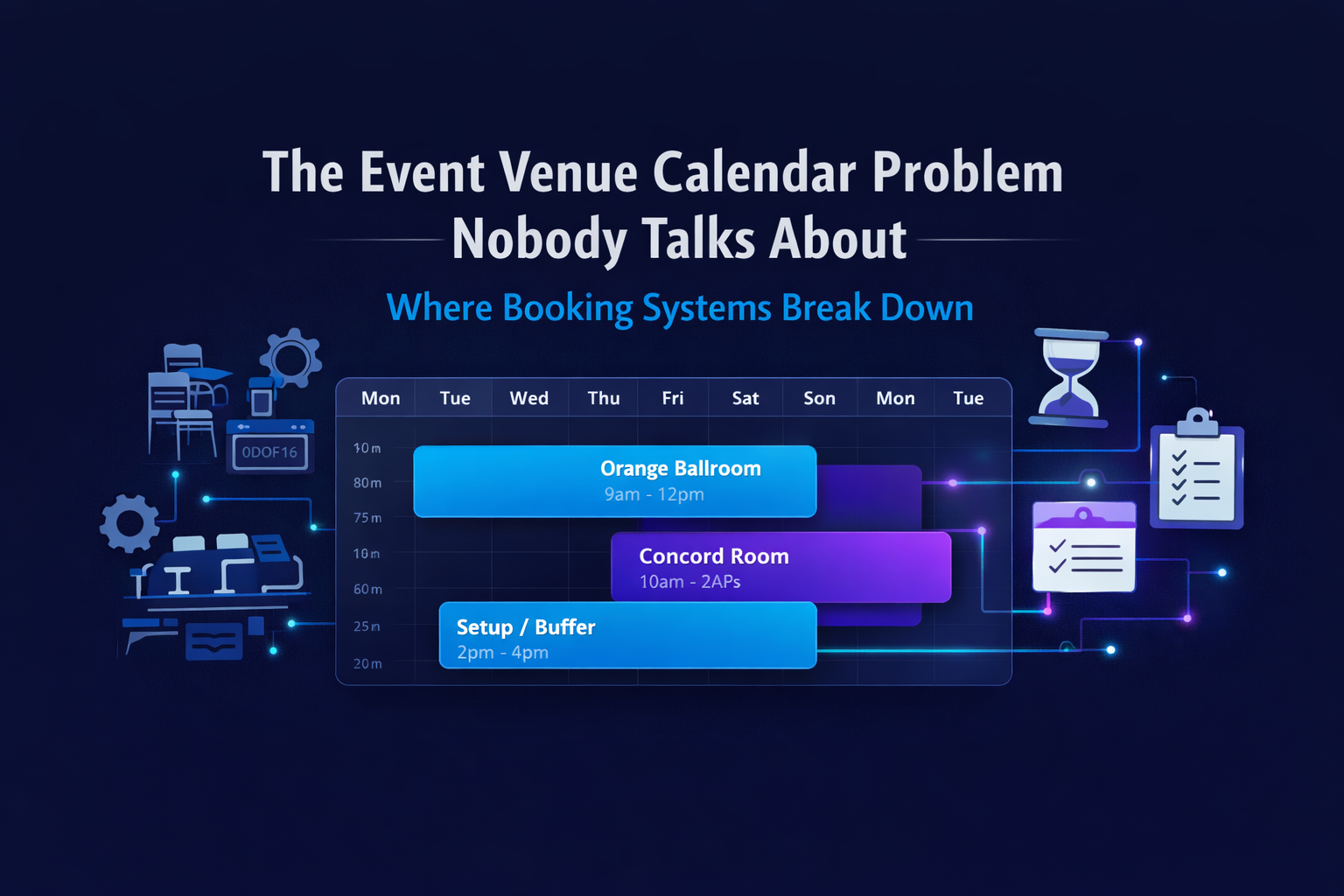
The Event Venue Calendar Problem Nobody Talks About
Most venue owners don't think of their calendar as a strategic problem. They think of it as a scheduling tool — something that holds appointments and shows them what's coming up.
That's the first thing that needs to change.
After working directly with over 100 venues across the country, I can tell you that calendar limitations cause more operational pain than almost any other single system issue. Not dramatically — quietly. In double-booking calls, in manual conflict-checking, in the scramble before an event when something wasn't properly blocked.
"Your calendar isn't just a scheduling tool. For a venue, it's the difference between a double-booking call and a business that runs itself."
The difference between a venue that feels busy and one that's consistently booked often comes down to how this system is set up.
What is the best booking system for event venues?
The best booking system for event venues manages rooms, equipment, staff, and event types as individual resources, with automated conflict prevention, buffer time, and real-time availability across all assets.
Why most venue booking systems weren't designed for venues
Most venue booking systems were built for appointment-based businesses — consultants, salons, coaches — where a booking means reserving time with a person. Event venues have fundamentally different requirements. A venue booking means reserving a physical space, often alongside specific equipment and staff, with setup and breakdown windows on both sides.
This architectural mismatch is why so many venues end up managing availability in spreadsheets alongside their booking tool — not instead of it.
The good news: it's not a people problem. It's a tool problem. And tools can be changed.
What a venue calendar actually needs to manage
An event venue calendar needs to track more than open time slots. It needs to manage physical resources — rooms, equipment, and staff — simultaneously, with rules that reflect how each resource actually operates.
Most generic scheduling tools weren't built for this. Here's what that looks like in practice.
Why does a venue need separate room calendars?
Each room or space in a venue has its own availability, capacity, pricing, and operational constraints. When a booking system treats the entire venue as a single resource, it can't prevent two events from being booked in different rooms on the same day without one conflicting with shared equipment or staff.
Rooms need to exist as individual bookable resources in the system — so that when one is booked, it's blocked automatically, and availability for all other rooms remains accurate in real time.
This is one of the most common gaps I see when I start working with a venue. The calendar looks full. The spreadsheet next to it tells the real story.
How should venues track equipment in their booking system?
Equipment — AV packages, portable bars, specialty lighting, photo booths — should be bookable resources in the same system as rooms. When a piece of equipment is committed to an event, it should be automatically unavailable for any other booking on that date.
Most basic booking tools don't support equipment as a resource type. This forces venues to track equipment availability manually, which introduces the risk of double-committing items and the operational scramble that follows when two clients show up expecting the same setup.
What is buffer time in venue scheduling?
Buffer time in venue scheduling refers to protected time blocks before and after an event for setup and breakdown. A wedding that ends at 11pm doesn't mean the ballroom is ready for another event at 11:01pm.
A venue calendar that doesn't build in buffer time automatically requires staff to manually block those windows for every single booking. As volume grows, so does the risk of something slipping through.
The difference between appointment booking and venue booking
This distinction matters more than most people realize, so it's worth being direct about it.
Appointment booking is time-based: a slot of someone's time is reserved. One person, one calendar, one resource at a time.
Venue booking is asset-based: a physical space — and often the equipment and staff that come with it — is reserved. Multiple assets need to be tracked simultaneously, with rules that account for capacity, configuration, and turnover time between events.
Tools built for appointment booking can be stretched to handle some of this. But stretching creates friction. And that friction shows up as manual work, missed conflicts, and the constant low-grade anxiety of not fully trusting your own calendar.
What the right venue booking system handles
A venue booking system built for actual venue operations manages rooms, equipment, staff, and event types as distinct resource categories — with availability rules, conflict prevention, and buffer times handled automatically.
In practice, that means the system should:
Create individual rooms as bookable resources — each with its own availability, capacity, and pricing
Track equipment alongside space — so committed items are automatically unavailable for other events
Support service calendars for different event types — different durations, staff configurations, and pricing rules
Build buffer time in automatically — protecting setup and breakdown windows without manual blocking
Provide a unified view across all resources — so staff can see room, equipment, and availability in one place without switching between tools
Support multi-day bookings — for events that span multiple days or require extended setup periods
BrandWave for Events is built on a calendar system that manages all of these as native functions. The Rentals calendar, now live in the platform, extends this to asset-based booking with inventory tracking, multi-day support, and deposit collection built in.
Frequently asked questions about venue booking systems
What is the best booking system for event venues?
The best booking system for event venues manages rooms, equipment, staff, and event types as individual resources with automated conflict prevention and buffer time. Generic appointment scheduling tools were not designed for venue operations and typically require manual workarounds that scale poorly.
How do venues prevent double bookings?
Venues prevent double bookings by using a system that tracks each room and piece of equipment as a separate bookable resource. When a resource is booked, the system blocks it automatically. Manual cross-referencing in spreadsheets is the most common source of double-booking errors.
Can BrandWave for Events manage venue room bookings?
Yes. Brandwave for Events service calendar and rooms feature allows venues to create individual rooms as bookable resources, assign them to service calendars, and prevent double-bookings automatically. BrandWave for Events is a venue-specific GoHighLevel configuration with these features pre-built and ready to go.
What is a service calendar in venue management?
A service calendar in venue management is a booking calendar tied to a specific service type — such as a wedding package, corporate event, or private party — with its own availability rules, duration, staff assignments, and pricing. Service calendars let venues manage different event types without manual reconfiguration for each booking.
The operational cost of the wrong booking system
A venue calendar that can't track real resource availability forces manual coordination at every step. That's where double-bookings happen, where staff time gets absorbed, and where the confidence to take on more volume without errors starts to erode.
For venues specifically, the calendar isn't a scheduling convenience — it's operational infrastructure. Getting it right is one of the highest-leverage improvements most venues can make, and it's one of the first things I address in almost every consulting engagement.
If you're currently managing availability manually, double-checking conflicts, or blocking time yourself — your calendar isn't working the way it should.
Start here:
See how your current setup compares:www.meetbrandwave.com
Then book a demo if you want to see how this would work for your venue
Related reading:
Why Most Venue Management Software Falls Short — And What Actually Needs to Change
How to Stop Chasing Contracts and Payments at Your Event Venue